โ Back to homepage
โ Back to homepage
Capy Castaway Press Kit and FAQ
Click here for the most up to date version of our press kit.
Contact press@bigblueskygames.com for additional information and inquiries.
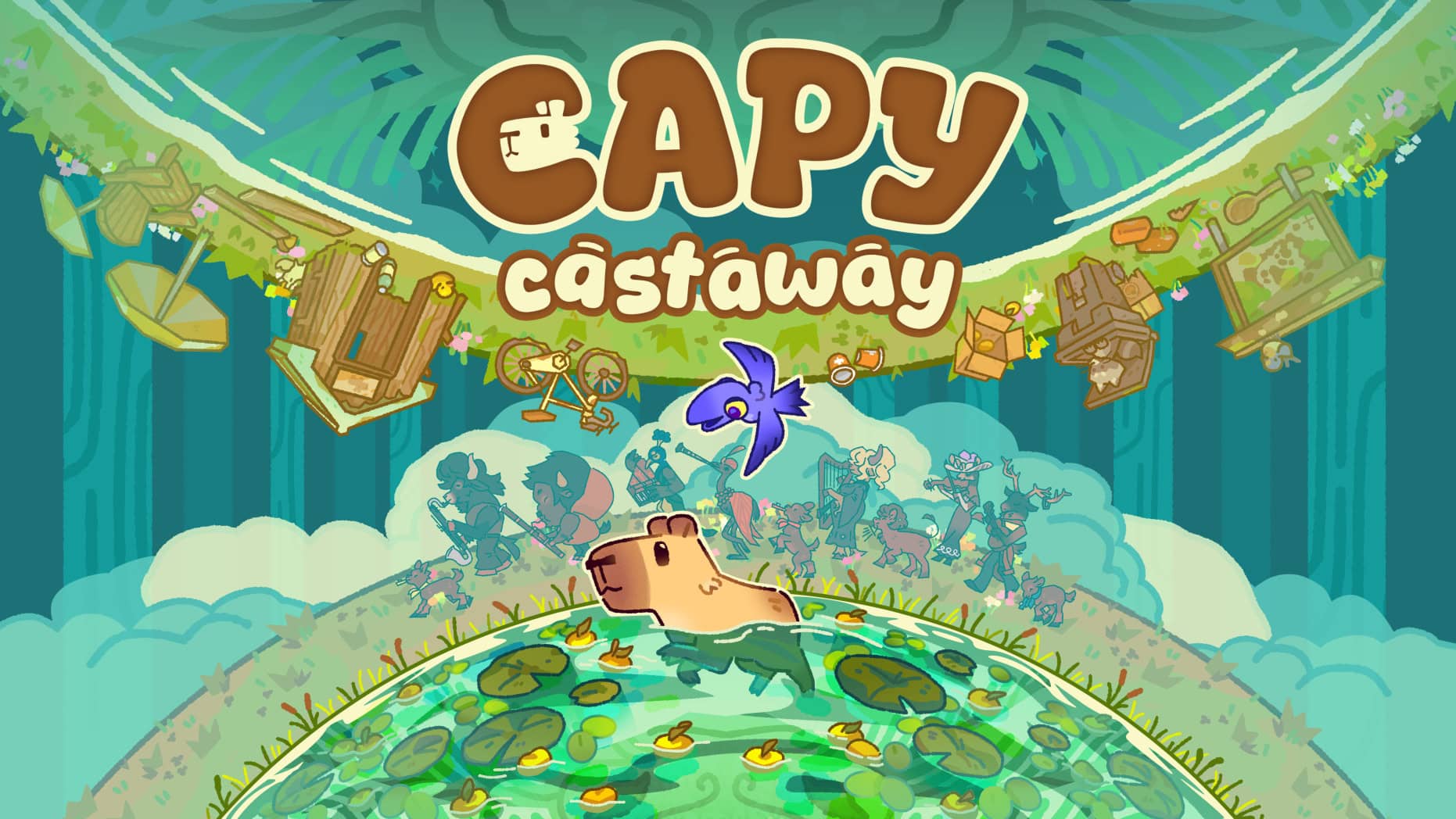
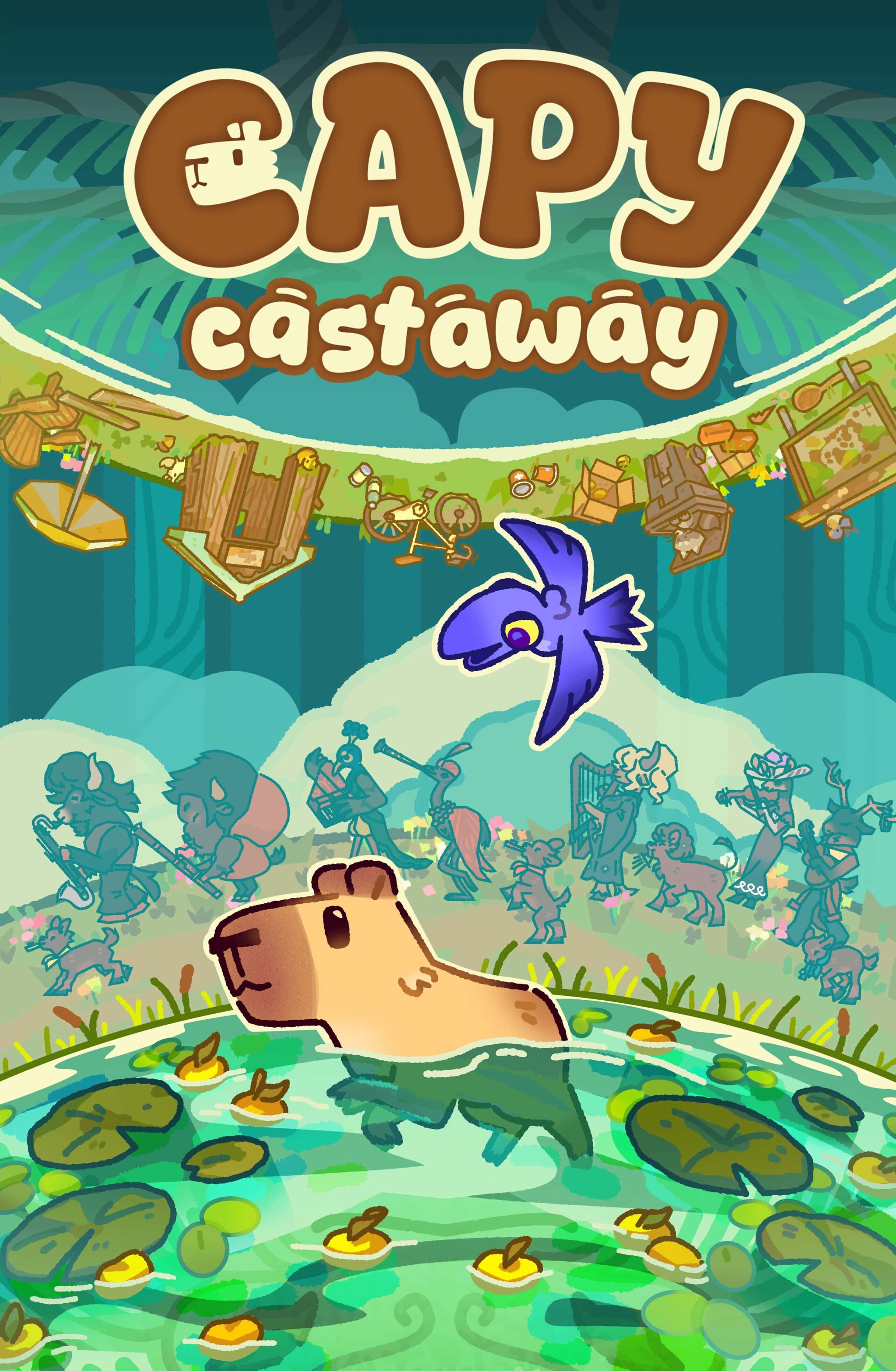
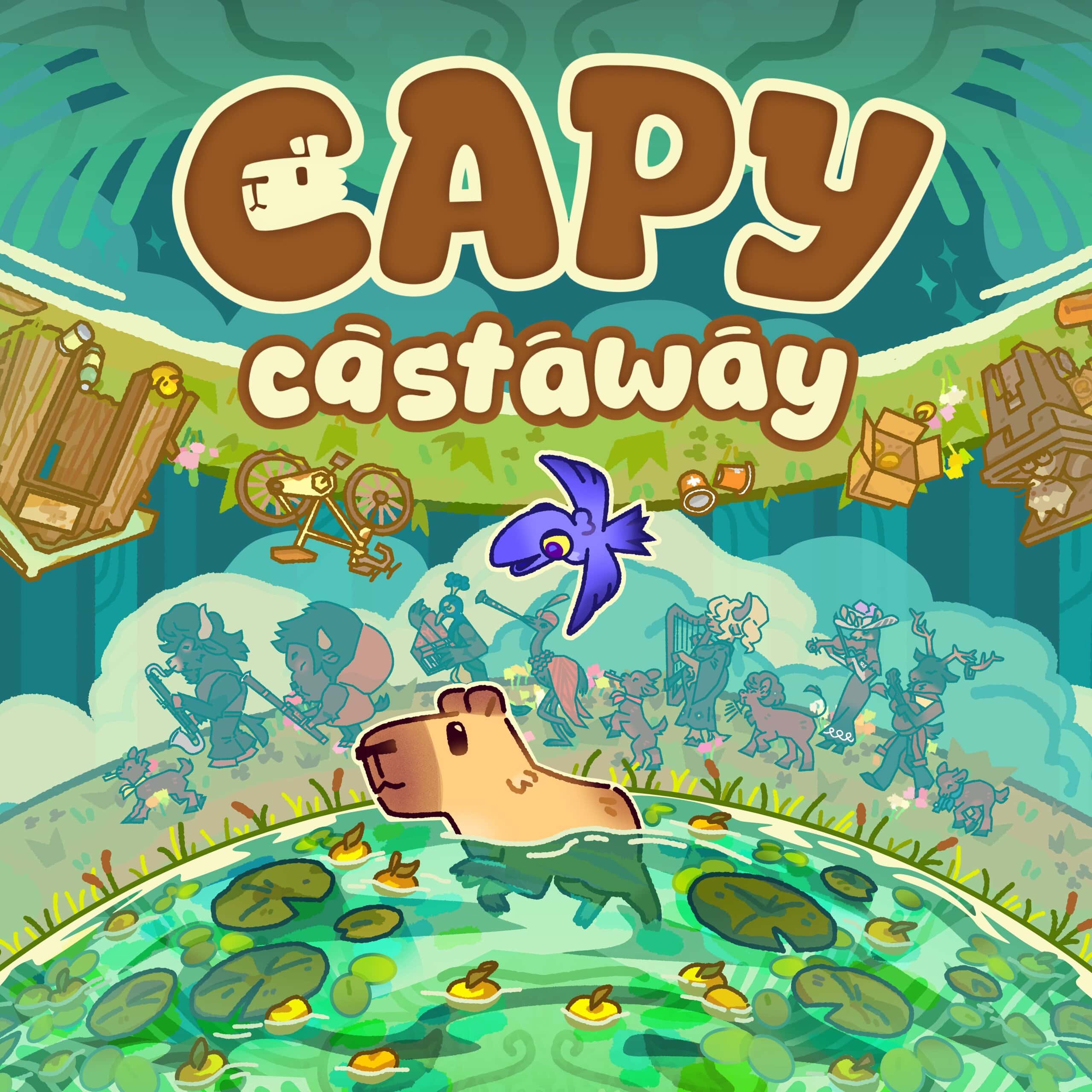
Key Art
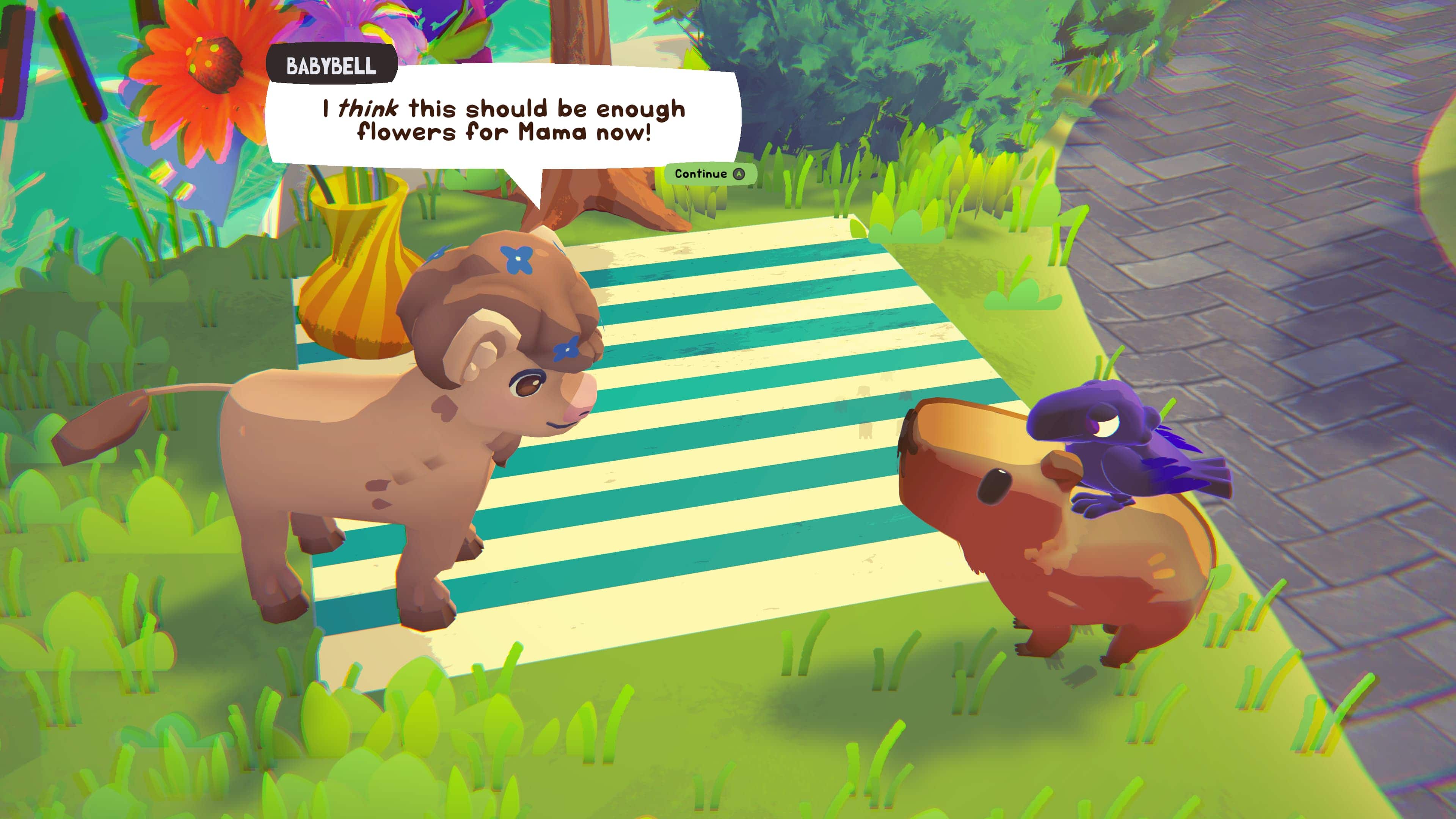
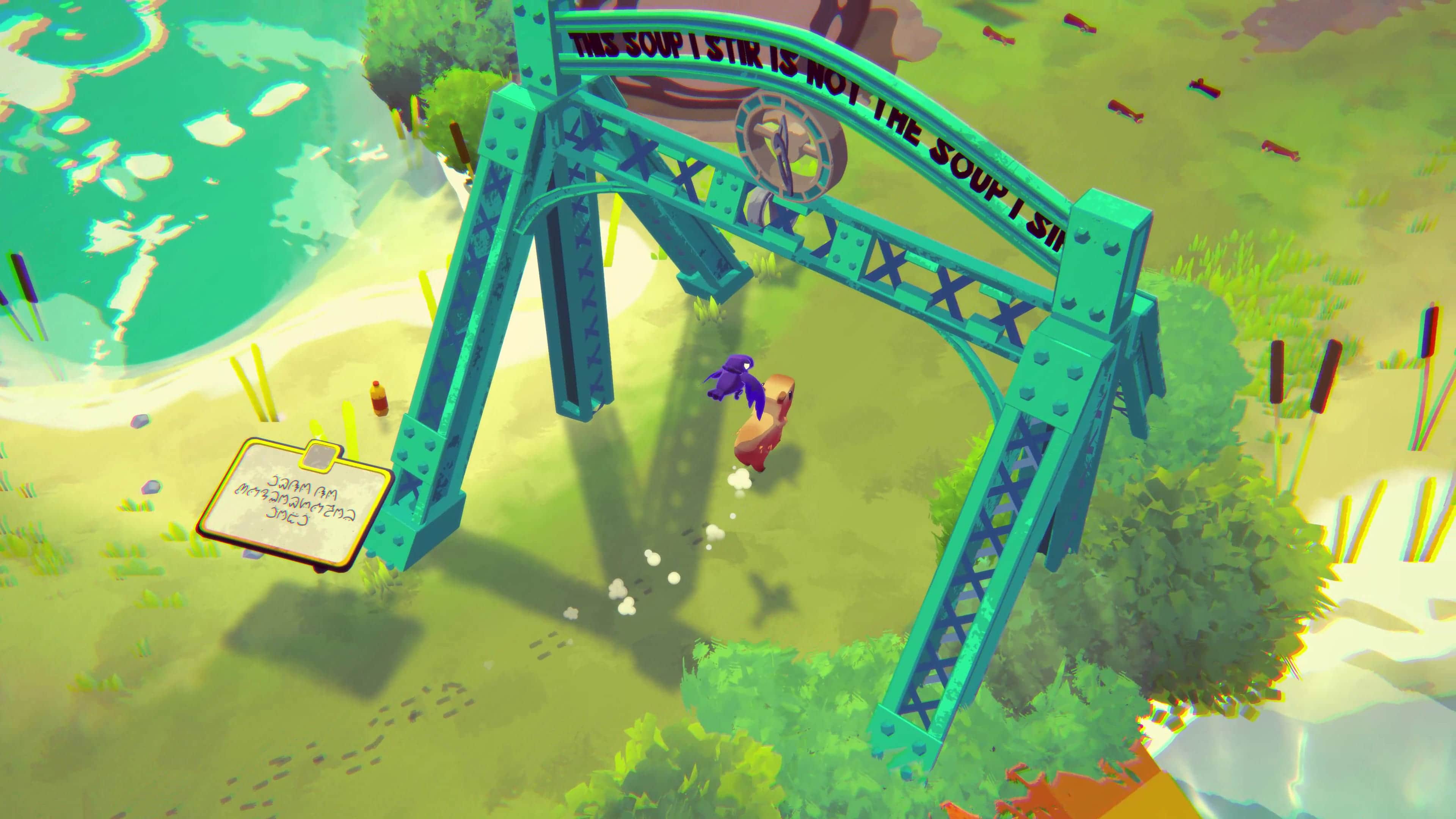
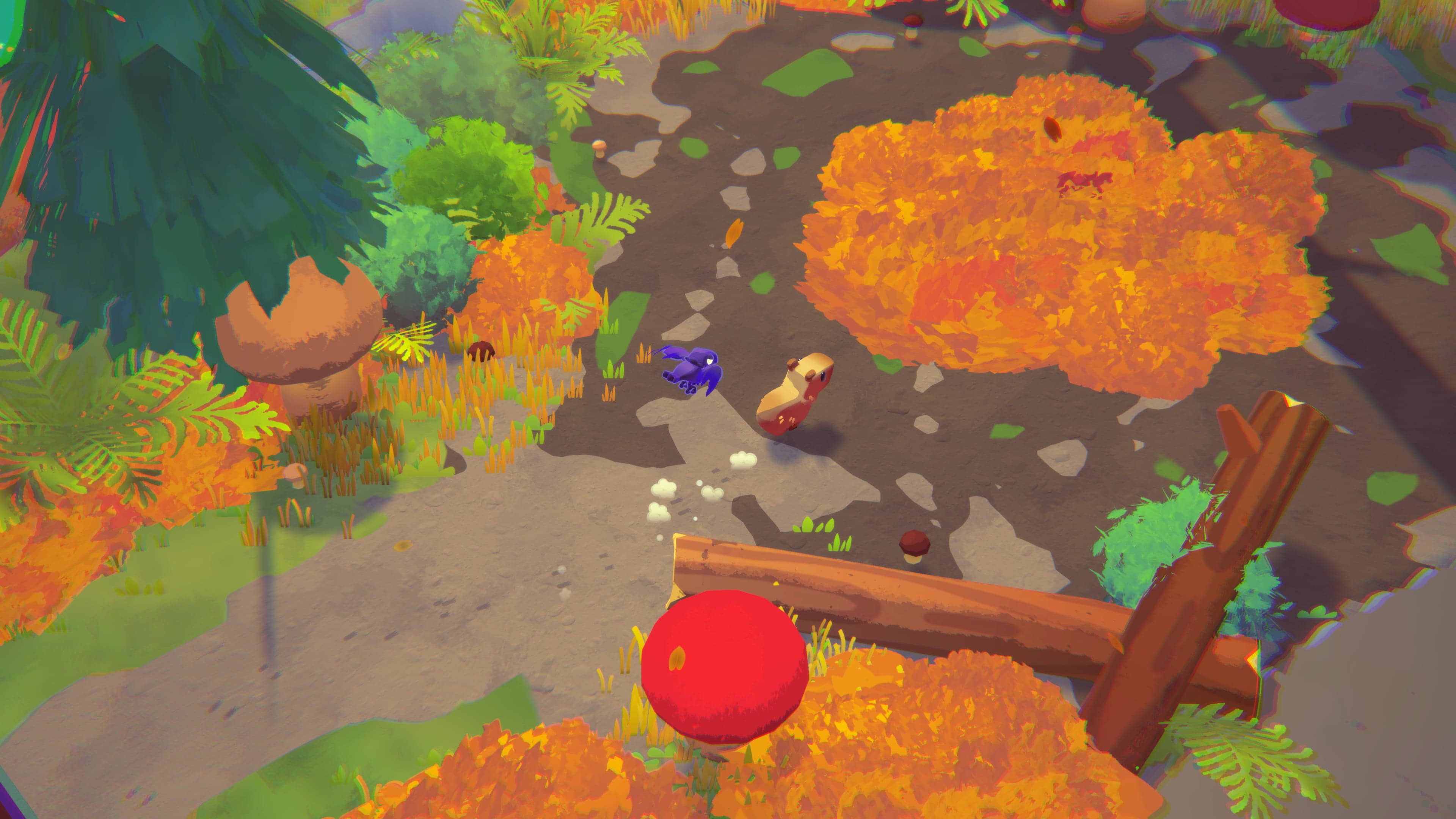
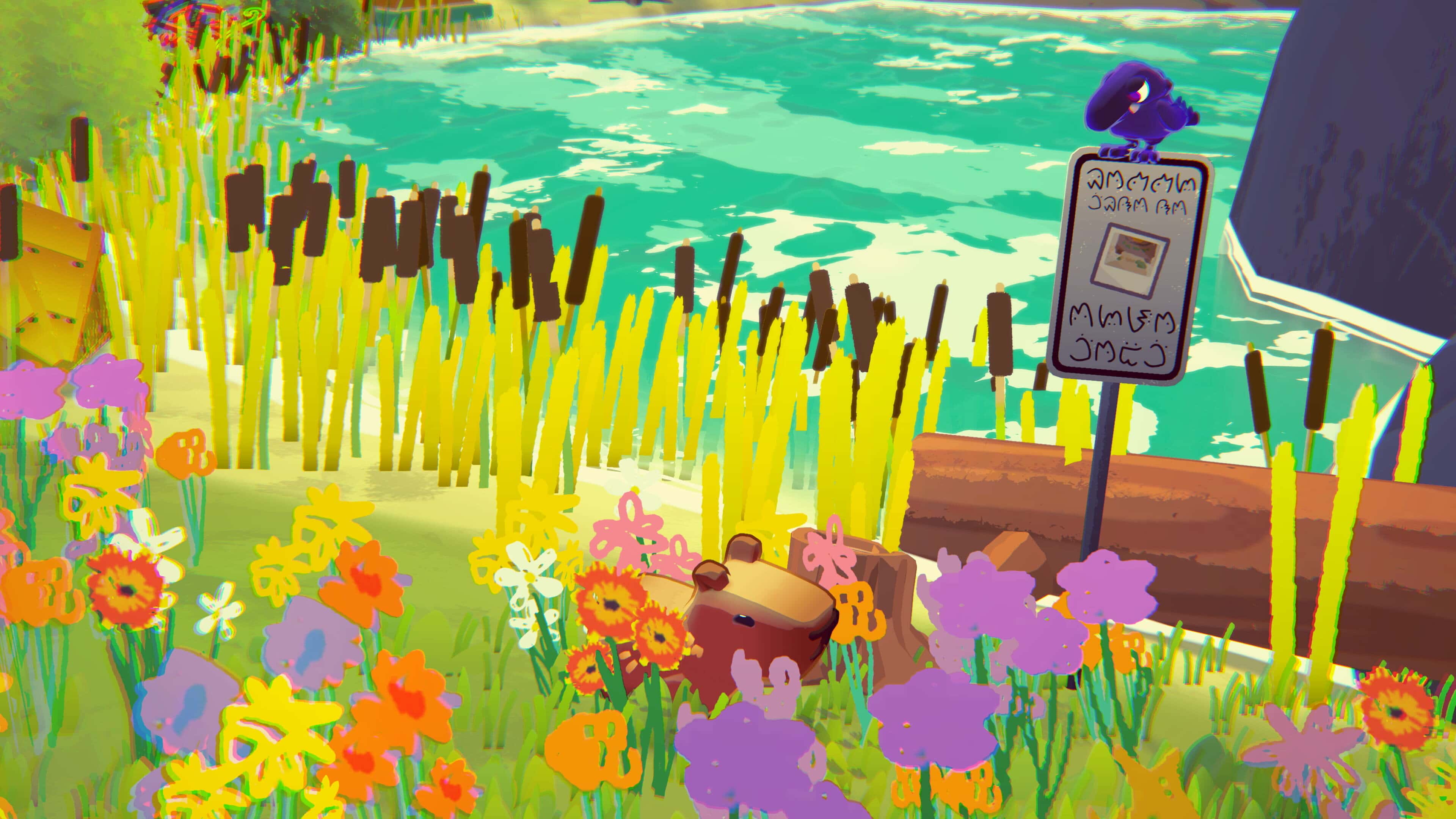
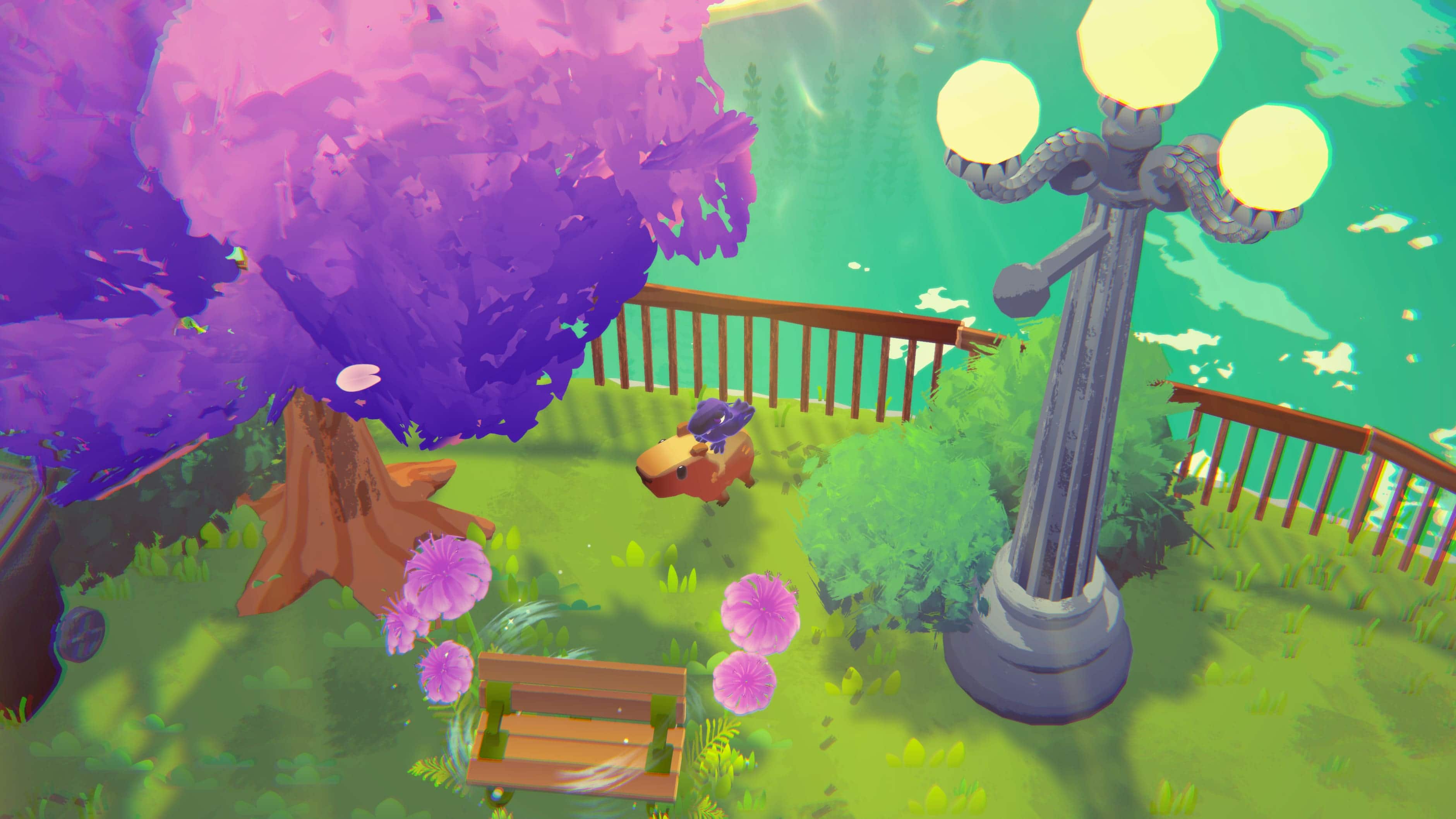
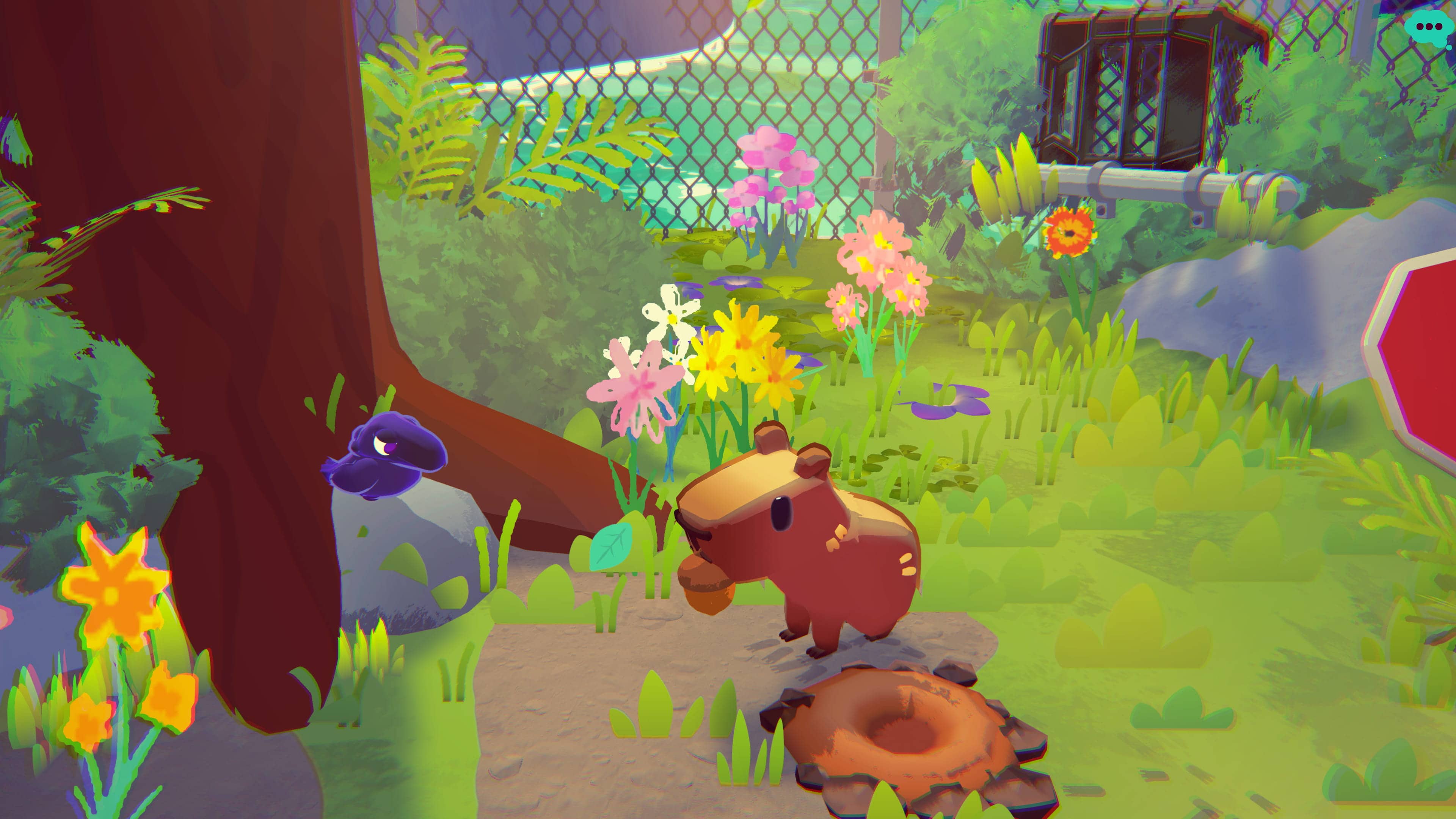
Screenshots
Logos

FAQs
Controls & Accessibility
Q. Should I use a controller or keyboard & mouse?
Both work great!
๐ฎ Controller is our recommended way to play if you’re playing solo. Switching between Capy and Corvi feels especially smooth.
โจ๏ธ Keyboard & mouse also works well, and either control scheme is perfectly suitable for co-op. Feel free to use whatever you’re most comfortable with!
Q. Can I use two controllers in co-op?
Multiplayer & Co-op
Q. Is Capy Castaway multiplayer?
Capy Castaway supports 2-player local co-op, where one player controls Capy and the other controls Corvi.
You can also play online using Steam Remote Play Together.
Q. Does the game have online multiplayer?
Not with dedicated servers or matchmaking.ย
To play online, use Steam Remote Play Together, which streams local co-op to your friend over the internet.
๐ Hereโs our setup guide:
https://steamcommunity.com/sharedfiles/filedetails/?id=3678595314
Q. Does my friend need to own the game?
Nope!
With Steam Remote Play Together, only the host needs to own Capy Castaway. But the person you invite MUST be on your friend list.
Q. Can I play solo?
Absolutely!
The entire game is designed to be enjoyed solo or with a friend. When playing alone, you’ll switch between Capy and Corvi as you explore and help the other animals on the island.
Technical Help
Q. I found a bug. Where should I report it?
You can submit a bug by opening the pause menu in Capy Castaway and selecting the Bug Reporter.
Or press 0 to open the Bug Reporter.
If you are unable to submit a bug report, we will need to know:
๐ What is the bug/problem
๐ฎ What you were doing beforehand
๐ท A screenshot or video
๐ป Pc or Mac and controller setup
๐๏ธ The build number
Q. Where do I share feedback?
You can join our Discord and share in the feedback forum space. You can also leave a Steam review, weโre happy to hear from everyone!
Q. The game isn't working properly.
Restart Steam and ensure that Capy Castaway has been updated to the current version.